7 Things to Check on a Food Package When a Recall Is Announced
A recall alert names a food in your kitchen. Before you open it, serve it, or add it to tonight’s dinner, take a moment to check the package. A familiar brand name is a reason to look closer, not enough information to decide whether your groceries are affected.
Recalls can apply to specific varieties, package sizes, production batches, or products marked with particular dates. The Food and Drug Administration (FDA) and the U.S. Department of Agriculture’s Food Safety and Inspection Service (FSIS) publish notices with identifying information to help consumers determine which products are included.
Your first move: Compare the package with the complete official notice, not just the headline.
Check the Exact Product Name and Variety
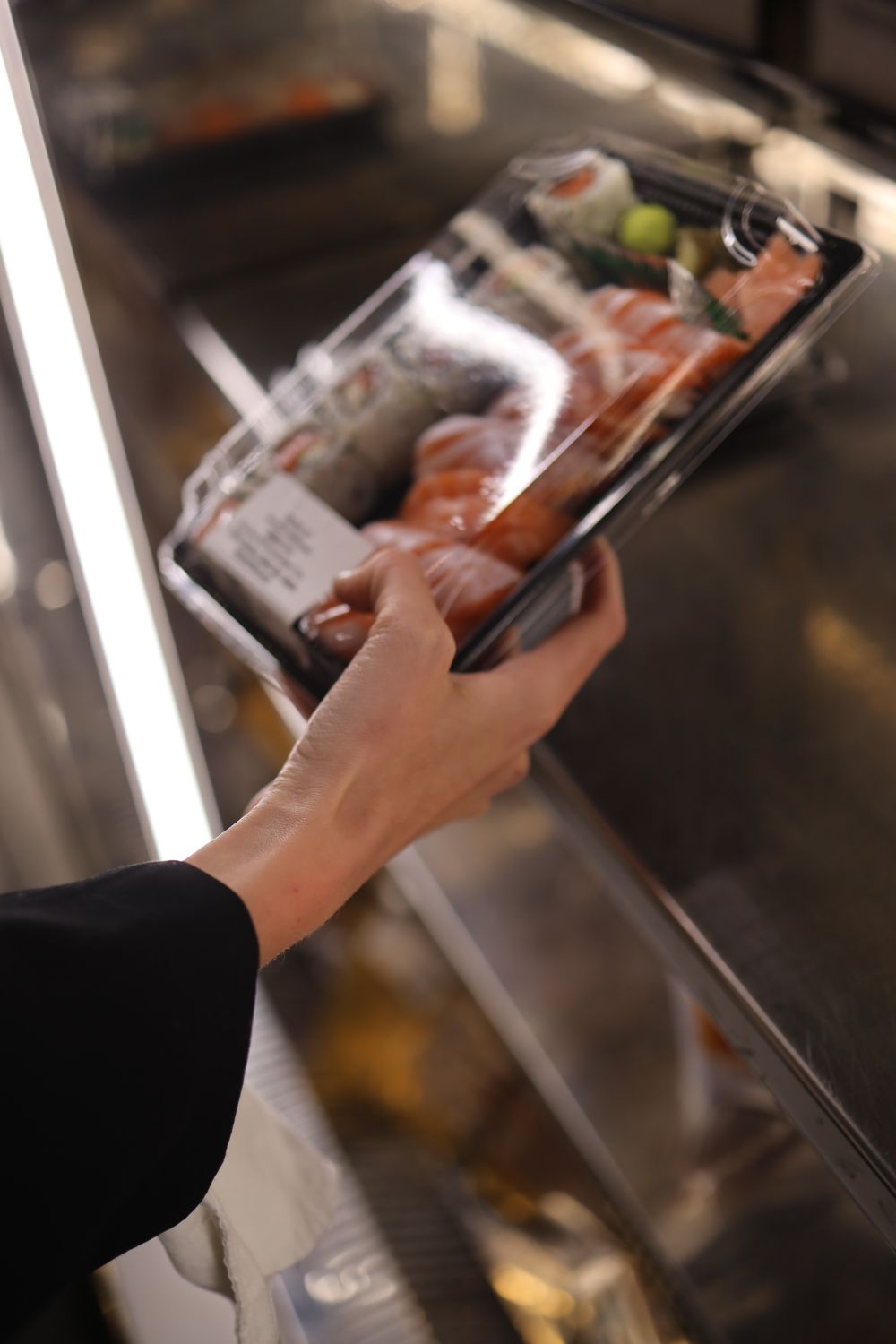
Start with the full product description in the recall announcement. A brand may sell several varieties of the same food, while a notice identifies only certain ones.
Check the wording carefully, including the flavor, type, and any other product designation. A general category such as crackers, candy, or frozen meals is not specific enough.
The FDA’s food recall guidance explains that product descriptions and label photographs can help consumers identify affected foods. Compare those details with your package, reviewing every relevant entry if the announcement lists multiple products.
Compare the Brand and Manufacturer
Check the brand name and any manufacturer or company information listed in the notice. These details help distinguish the named products from similar items.
However, a company name alone does not establish that everything it sells is included. Read which products the announcement actually identifies rather than extending the warning to an entire brand.
If the brand or manufacturer information on your package differs from the notice, do not use that difference alone to settle the question. Review the additional identifiers and contact the company for clarification when necessary.
Related: 5 Protein-Packed Foods That Make Meatless Dinners Feel Like a Real Meal
Look for the Specific Date Listed
Food packages can display best-by, sell-by, use-by, and other dates. Find the date field named in the announcement and compare it with the corresponding information on your package.
Do not assume every recall uses the same date field. Read whether the notice specifies one date, several dates, or a range.
Check that information alongside the other listed identifiers. A matching date does not replace a lot-code comparison when the announcement also specifies a production code.
Find the Lot Code or Batch Number
When a recall notice lists a lot code or production code, compare the complete identifier with the one printed on your package.
Look carefully at every character, including letters, numbers, and any separators. Small or faint printing can make similar-looking characters difficult to distinguish.
Check any label images or directions in the announcement for help locating the code. If it is missing, damaged, or unreadable, do not guess. Use the notice’s contact information to ask the company or relevant agency how to identify your product.
Match the UPC or Other Product Identifier
Some recall announcements list a Universal Product Code, or UPC, or another product identifier.
If the notice provides a UPC, compare it with the corresponding number on your package. Check the complete number rather than relying on the appearance of the barcode.
Keep this separate from the lot-code check: Compare each identifier the announcement supplies. Not every recall includes a UPC, so its absence is not a reason to stop. Continue with the product description, dates, codes, and other details actually provided.
Related: Sugar Detox Without Deprivation: 10 Realistic Ways to Cut Added Sugar and Still Enjoy Food
Check the Package Size and Type
Compare the listed weight, count, container type, or packaging format with the product you have. A familiar product name does not establish that every size or format is included or excluded.
If the announcement contains several product entries, review each relevant one. Do not stop at the first row that looks different from your package.
Treat size and packaging as part of the complete comparison, not as a substitute for the other checks. Review any label photographs alongside the written description.
Review Other Identifiers and Follow the Official Instructions
Some notices include additional identifiers. For applicable USDA-regulated products, an establishment number may identify the production facility. It may appear within the USDA inspection mark or elsewhere on the packaging.
The USDA FSIS recall guidance explains the identifying information used in its announcements. Read distribution details, label images, and product-specific instructions, too.
FDA oversees most foods, while FSIS regulates meat, poultry, and processed egg products within its jurisdiction. FoodSafety.gov’s Recalls and Outbreaks page provides access to official recall information.
If your product is included, do not consume it. Follow the notice’s instructions for returning or disposing of it and completing any necessary cleaning. If the match remains uncertain, contact the company or relevant agency.
Your Five-Minute Package-Checking Checklist
Use this as a quick first pass, not a deadline for reaching a decision:
- Open the full official notice. Keep it beside the package while you compare.
- Match the description. Check the exact product name, variety, brand, and company information.
- Read the dates and codes. Compare the specified date field, lot or batch code, and UPC when provided.
- Check the packaging. Review the weight, count, format, and any additional identifiers.
- Find the instructions. Read what the notice says to do, and note whom to contact if anything remains unclear.
If five minutes is not enough to identify the package, pause rather than force an answer.
Not every recall notice contains every identifier. Work with the details actually listed, and avoid treating one apparent match or mismatch as the whole answer.
When information is unclear, consult the complete announcement or contact the relevant company or agency. The instructions for that specific recall should guide what happens next.