Think Twice Before Paying With Your Phone at These 7 Places
Paying with your phone is about as easy as it gets. One tap and you are done, no wallet required. Mobile wallets are generally a secure way to pay, but the convenience can also make it easy to spend more than you meant to, or to send money somewhere you cannot get it back.
The phone itself usually is not the problem. The setting is. Here are seven places where it pays to slow down for a second before you tap, scan or send.
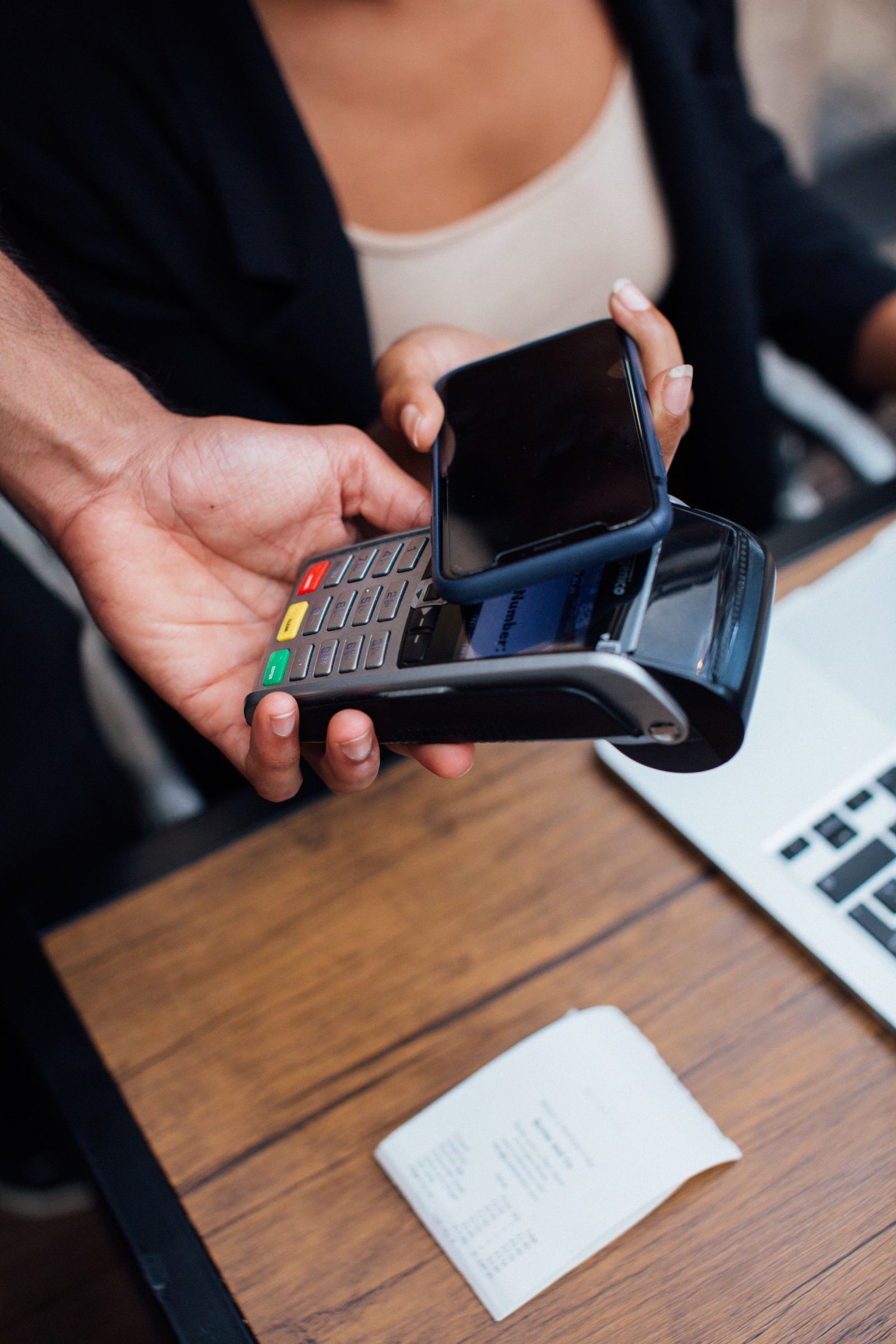
1. The coffee counter with a tip screen
You tap your phone, and the screen flips around with buttons for 18%, 20% or 25% on a $5 latte. It is fast, it is public and it is designed so the quickest choice is a tip.
You are not imagining the change. A Pew Research Center survey found 72% of U.S. adults say tipping is expected in more places than it was five years ago, and 40% oppose businesses suggesting tip amounts. Take a breath, look for the “custom” or “no tip” option, and choose what feels right. Tipping etiquette is one of those odd American traditions that confuse the rest of the world, and the screens have not made it any simpler.
2. Parking meters and lots with QR codes
Plenty of cities now let you pay for parking by scanning a QR code on the meter. Scammers know it. The Federal Trade Commission warns that crooks sometimes cover legitimate parking QR codes with their own, sending drivers to fake sites that steal money or personal information.
Before you pay, check the web address your phone previews for misspellings or odd characters. When in doubt, download the city’s official parking app or pay at the machine instead.
3. The airport or cafe on free Wi-Fi
Tapping your phone at a register does not use the store’s Wi-Fi, but logging into your bank or typing card details into a website might. The FTC says most websites now encrypt data, which makes public Wi-Fi usually safe, but it still advises looking for the lock symbol or “https” and watching out for scam sites.
This matters most when you are traveling for the holidays and juggling boarding passes, rideshares and airport snacks. Keep your phone updated and charged, which is why a portable charger belongs in any personal-item survival kit for holiday flights.
4. Marketplace meetups and yard sales
Buying a used couch or a box of vintage dishes from a stranger? A seller may ask you to pay through a payment app before you even see the item. The FTC’s guide to mobile payment apps advises sending money only to people you know, and warns that once you send it, it can be hard to get your money back.
For in-person deals, see the item first and pay on the spot. It is the same common-sense caution behind the social norms people say should be abandoned, like feeling rude for asking a few questions before handing over money.
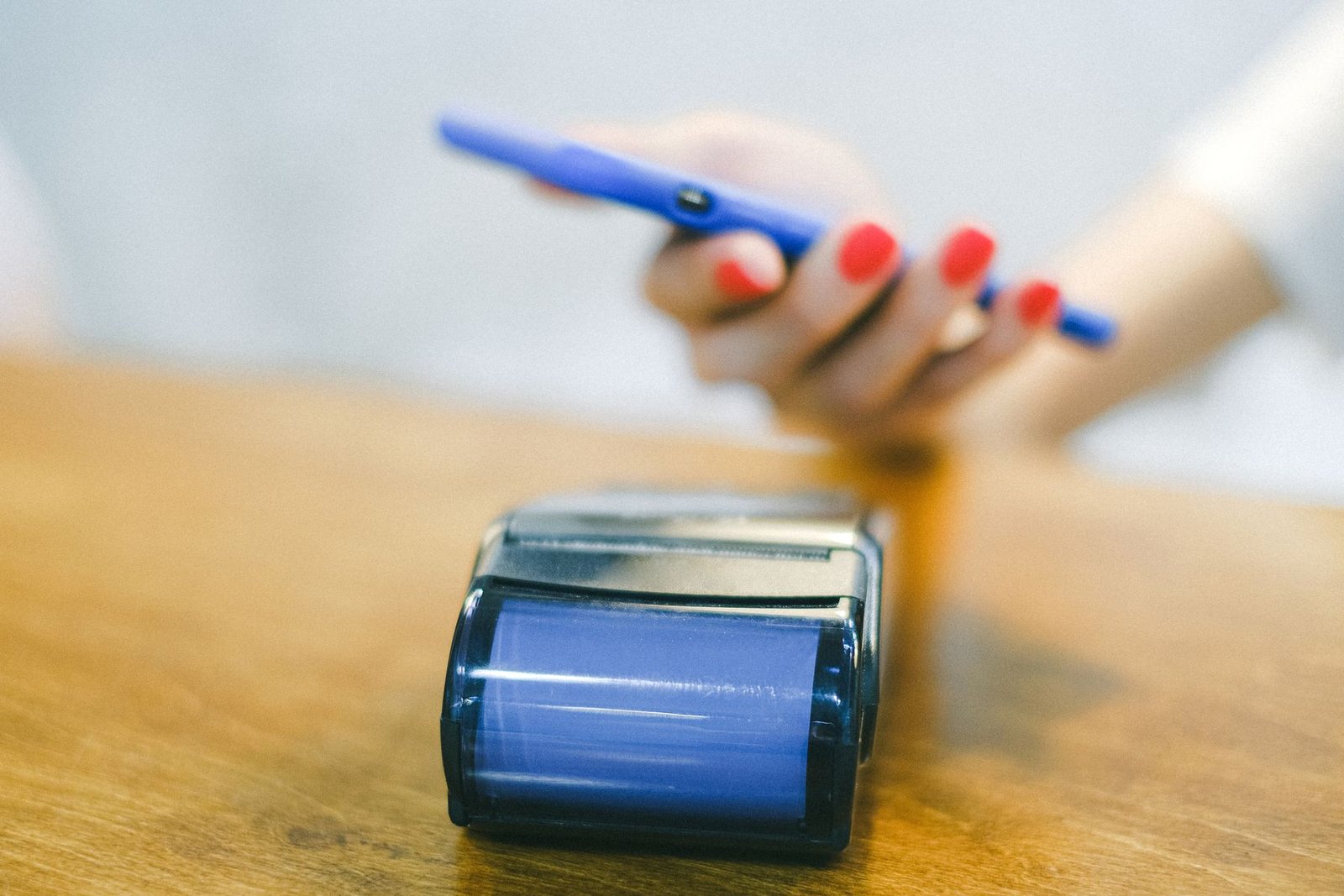
5. Any big purchase when your wallet defaults to debit
Your phone’s wallet pays with whichever card is set as the default. If that is a debit card, money comes straight out of your checking account. According to the Consumer Financial Protection Bureau, your liability for unauthorized debit transactions can depend on how quickly you report the problem, and a dispute over a debit card purchase at a store can take up to 90 days to resolve.
It is the same reason many people think twice before using a debit card for big or unfamiliar purchases. And it is one more reason people who check their bank statements every month catch problems early.
6. Stadiums, fairs and holiday markets
Lots of venues have gone cashless, and some holiday markets have vendors who prefer you send money through an app. That works fine until your battery dies halfway through the day or the signal drops in a packed crowd.
Bring a physical card as a backup. And if a vendor asks you to send money to a personal payment app account, remember that money held in or sent through these apps may not come with the same protections as a bank account. The CFPB has warned that funds stored in some payment apps may lack federal deposit insurance.
7. Restaurants that want you to pay at the table by QR code
Some restaurants now put a QR code on the table so you can order and pay from your phone. It can be handy, but the payment screen may add a suggested tip, a service charge or both before you have even seen the total.
Pew found that 72% of Americans oppose automatic service charges or tips on bills, regardless of group size. Read the final screen carefully, check the receipt and do not be shy about asking your server if a fee is already included.
The bottom line
Paying with your phone is not risky by itself. The trouble starts with pressure screens, swapped QR codes and payment apps that work like cash.
A good rule of thumb: pause before you tap, read before you confirm and keep a backup card in your pocket. Your future self, and your bank balance, will thank you.