6 Things to Check Before Paying for a Meal Planning App
Before you fork over a monthly fee just to figure out what’s for dinner, take a beat and look at your bank account because your groceries already cost a dynamicU.S. food-at-home grocery prices increased by 2.3% in 2025 compared with 2024, according to data from the USDA Economic Research Service.
Those glossy, restaurant-quality recipe photos make a premium app upgrade look like a magical cure for your weekly mealtime chaos, but is it actually saving you time, or is it just a pretty tax on your grocery budget?
The truth is, the free tools sitting on your phone right now might already do the heavy lifting, leaving that “Unlock Pro” button looking more like a trap than a solution. Before you let another subscription quietly bleed your wallet dry, run your routine through these brutal sanity checks to see if that app has actually earned a spot at your table.
Check the shopping list
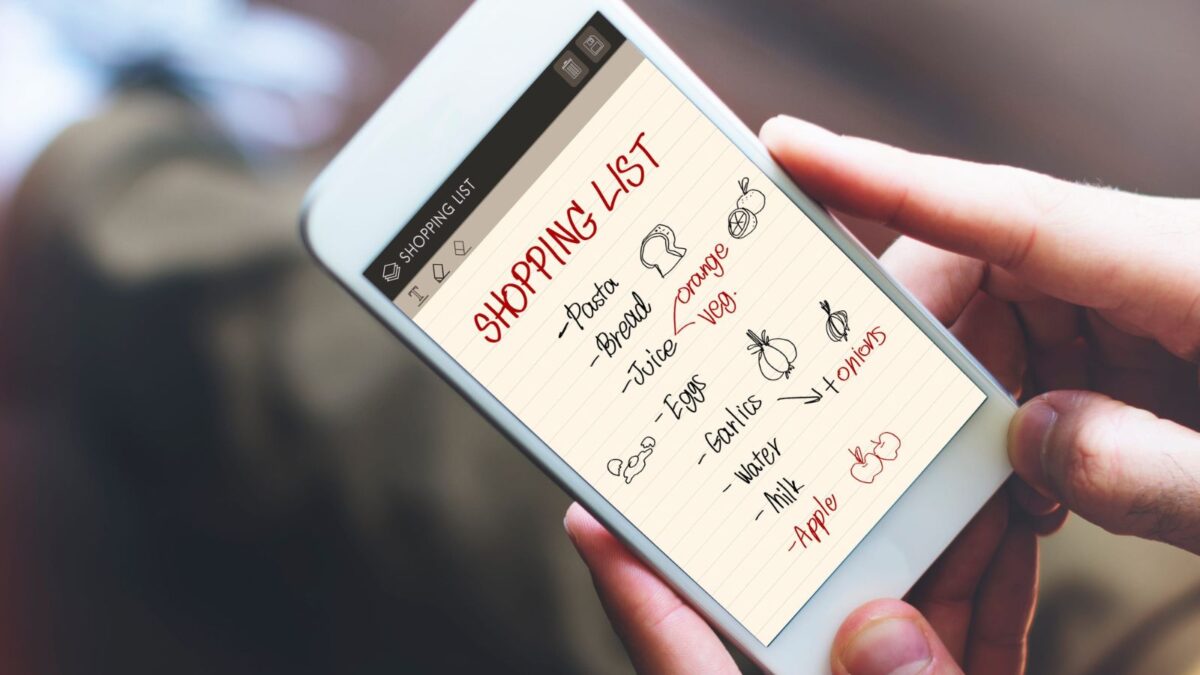
A grocery list should work during the actual shopping trip. Shoppers can test those functions by sending a proposed menu through the grocery feature. They should check repeated ingredients, account for pantry supplies, and review the list in the order they prefer to shop.
Anyone considering an app mainly for delivery or pickup should also confirm the particular retailer and location before subscribing. A general promise of grocery integration leaves that local question open. The practical test ends with a list someone can take to the regular store and follow without rebuilding it.
Check the full price
Start with the charge that follows the offer. Before entering payment details, shoppers should find the regular price, billing frequency, trial deadline, and cancellation instructions. The Federal Trade Commission advises consumers to review all subscription terms, recurring costs, billing schedules, and cancellation deadlines before signing up for any recurring payment or negative option program.
Saving the offer and cancellation terms gives the account holder something concrete to refer to later. A calendar reminder before the trial ends also creates a moment to decide if the service deserves another billing period. The introductory offer can open the door, but the ongoing cost should guide the decision to stay. If the terms leave basic questions unanswered, the shopper still has homework to do before paying.
Test the food preferences
Personalization needs a test with the household’s actual preferences. Mealime’s support documentation separates diet types, allergies and restrictions, and disliked ingredients into different settings. That distinction gives shoppers a useful checklist for evaluating any planner.
A broad label such as vegetarian covers only part of what a household might want to enter. During a trial, the planner should enter the particular ingredients the household avoids and inspect the resulting recipes. Readers should therefore treat the older feature pages as examples and confirm the service’s current status before considering payment.
Try the free tools
Give the free version a proper dinner assignment. The free tier of the Paprika Recipe Manager allows you to save up to 50 recipes on a single device, includes a grocery list, and has no time limit. That allows a household to organize a realistic week before considering Premium. The person planning dinner can save the recipes, arrange the meals, and prepare the shopping list using the available tools. Then comes the useful question of what the upgrade would improve.
Unlimited recipe storage might matter to an enthusiastic collector, while another household might already have everything it needs. These details describe Paprika’s advertised features, so hands-on use still needs to establish how well they fit the household.
Confirm who gets access
Check the household’s whole routine before choosing a plan. Its pricing comparison places device syncing and family sharing in Premium for new users. Those details matter if one person plans dinner while someone else buys the groceries.
During a trial, both people can check that they can access the information they need through the proposed subscription. The shopper can open the grocery list while the meal planner checks the menu on another device. That small rehearsal gives the household a clearer picture of what the payment covers before everyone starts relying on the service.
Read the privacy policy
The account deserves the same attention as the recipe collection. According to Mealime’s published Privacy Policy, the app collects email addresses, first names, trackers, and usage data. Before creating an account with any planner, shoppers can look for those same subjects in its policy. They should identify how the company explains third-party services and how someone requests deletion.
The document records the company’s disclosures, and unclear language gives prospective subscribers a reason to seek clarification before sharing their information.